
Vibe Coding Cheatsheet
Simple tips to get started

This article is for people who have heard about "Vibe Coding" but haven't tried it yet. My aim is to get you started so you can explore your creative spirits, not bore you with details.
What makes a good vibe coding project?
Low stakes if something breaks. Internal tools, prototypes, personal projects, hackathon entries.
Well-understood problem space. LLM has seen thousands of similar examples in training data (dashboards, forms, simple games, landing pages, etc).
Disposable or short-lived. Who cares if it’s around in a month?
Solves a specific problem. You need something that doesn’t exist or you just don’t want to pay for it.
Things to keep in mind:
Vibe coding is an iterative process between you and the AI.
Vibe coding is akin to writing a punk rock song, not a symphony. Expect to make simple apps for personal use. The more ambitious the project, the more frustrated you will be with pure vibe coding.
The quality of the app correlates with how well you communicate with the AI.
Three phases: Preparation, coding, and sharing. AI is great for 1 & 2. Sharing may need additional infrastructure.
Steps:
Start a new session for every new app.
Type in your high-level objective, and tell the model to ask you questions in order to create a planning document for your app.
Review the planning document and work with your AI to make any changes you need.
Tell your AI to decompose the planning document into a set of tasks with verifiable criteria.
Tell your AI to get to work, marking tasks as done once complete.
Tips:
Always use the best model. If you don’t know what the best model is, look it up (or ask your AI coding partner to).
Use different communication styles over the course of a session:
Supporting - You assign a job to the AI and provide materials to help, like documents, web sites, pictures, etc.
Delegating - You tell the AI the desired outcome and let it run.
Directing - You are very specific about what you want, e.g. “make me a pointillist drawing of a yellow duck with a blue question mark above its head”.
Coaching - Use when you want the AI to figure out how to solve a problem itself, e.g. “Come up with two testable hypotheses for why this isn’t working and tell me which you would test first and why”.
Your AI can see. Feed it images and screenshots regularly. You can even draw something on a napkin and point out things you want the model to notice.
If your app shows an error, just paste it right back into the chat and have the AI fix it.
When vibe coding with your AI in the default mode, you’ll need to sit with it to answer questions or approve actions. If you’re feeling confident, start the session in “yolo” mode. This gives the AI more freedom but comes with risks (like deleting all files on your computer).
Tell your AI to use the simplest architecture possible, even if you don’t know what that means. Otherwise, it may try to build a mansion where a tent would do.
Tell the AI to write a log of what it’s doing so it has some memory between sessions.
Connect your AI to source control (GitHub) and have it commit frequently. If you don’t know that GitHub is, ask your AI to teach you and help set it up.
The app planning document created by your AI (with your oversight) is gold. Have your AI write it as a markdown document then use it with several different vibe coding tools simultaneously.
Things that will drive you nuts:
You’ll be amazed at what you get on the first pass. But you'd be wrong to think you could vibe code something like Netflix in a couple of prompts.
Expect to be frustrated. Expect many of your attempts to fail. Expect the AI to screw up. When this happens, start a new session and try again.
AI models don’t know the date. This will impact your app in unexpected ways, from the model choosing obsolete APIs or coding libraries to the information shown by your app to be outdated.
After a good experience, you’ll be hooked. You’ll push further, add more features, change the look. Then something will go wrong and neither you nor your AI will be able to fix it. This is where more advanced “Agentic Engineering” techniques can help.
Sharing your creations may not be straightforward. Some apps may be simple HTML pages while others may be full-scale web apps that need to be pushed to a cloud server. Tools like Lovable and Replit build this into their products but Claude Code doesn’t have it (yet).
Exercise 1
Open your Vibe Coding tool of choice. If unsure, use Claude.
Open new session. Select the best model - Claude’s Opus 4.6 at the time of this writing.
Paste in this prompt, “I want you to make an app for rapid serial visual presentation. Ask me some questions and we’ll make a plan. Don’t start building yet.”
Answer questions
Paste in this prompt, “Show me the planning doc as a downloadable markdown file”. Read the doc and instruct the AI to make any changes you want. Be sure to resolve any open questions.
Paste in this prompt, “Decompose the plan into a set of tasks with verifiable criteria”. Read it.
Paste in this prompt, “Now build the app by following the task list.”
Try the app. If you see a problem, take a screenshot and paste it back into your AI session with instructions.
Keep tweaking: “Add support for Word documents”, or “Change look to a SpongeBob theme”
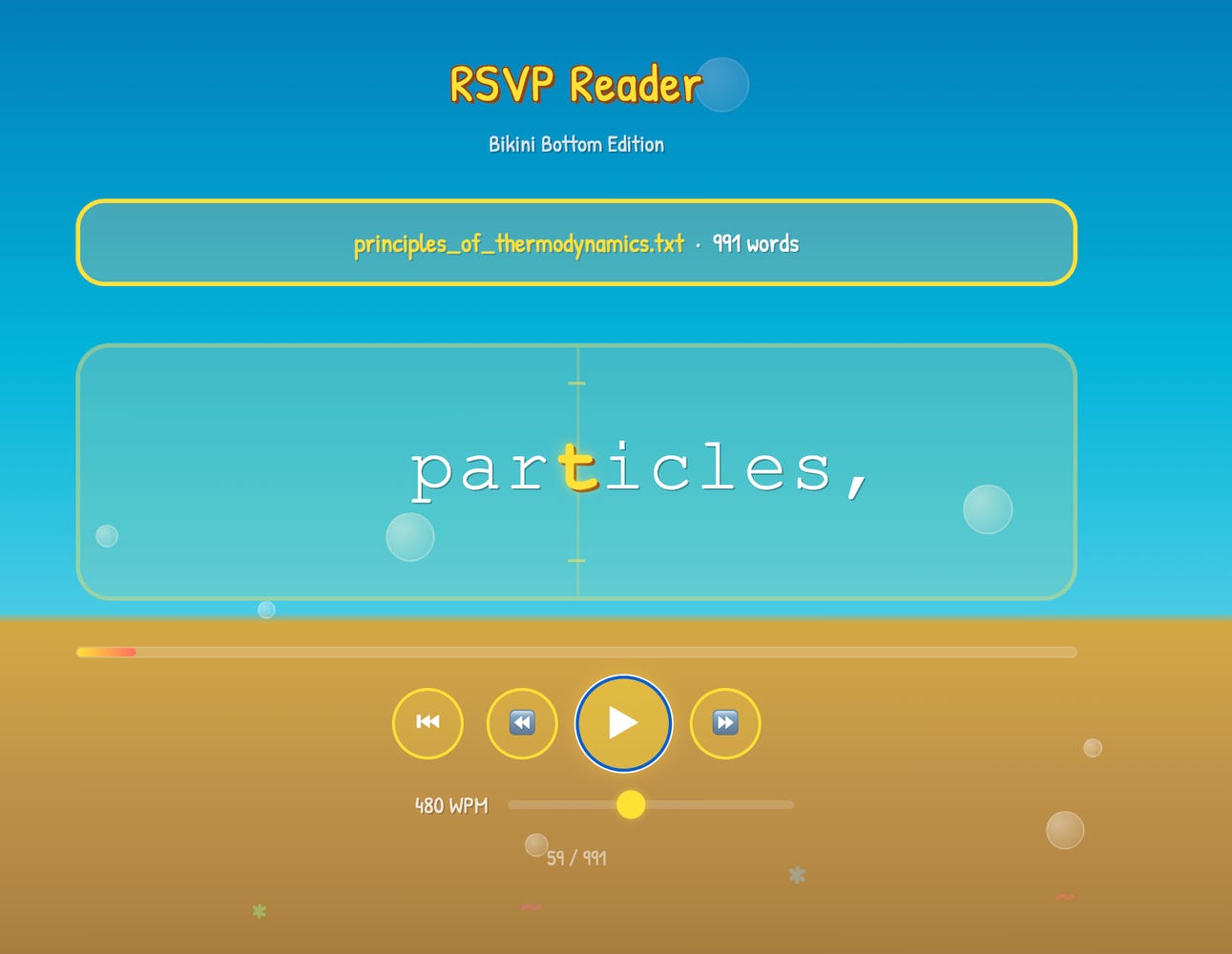
Rapid Serial Visual Presentation Reader. SpongeBob Theme
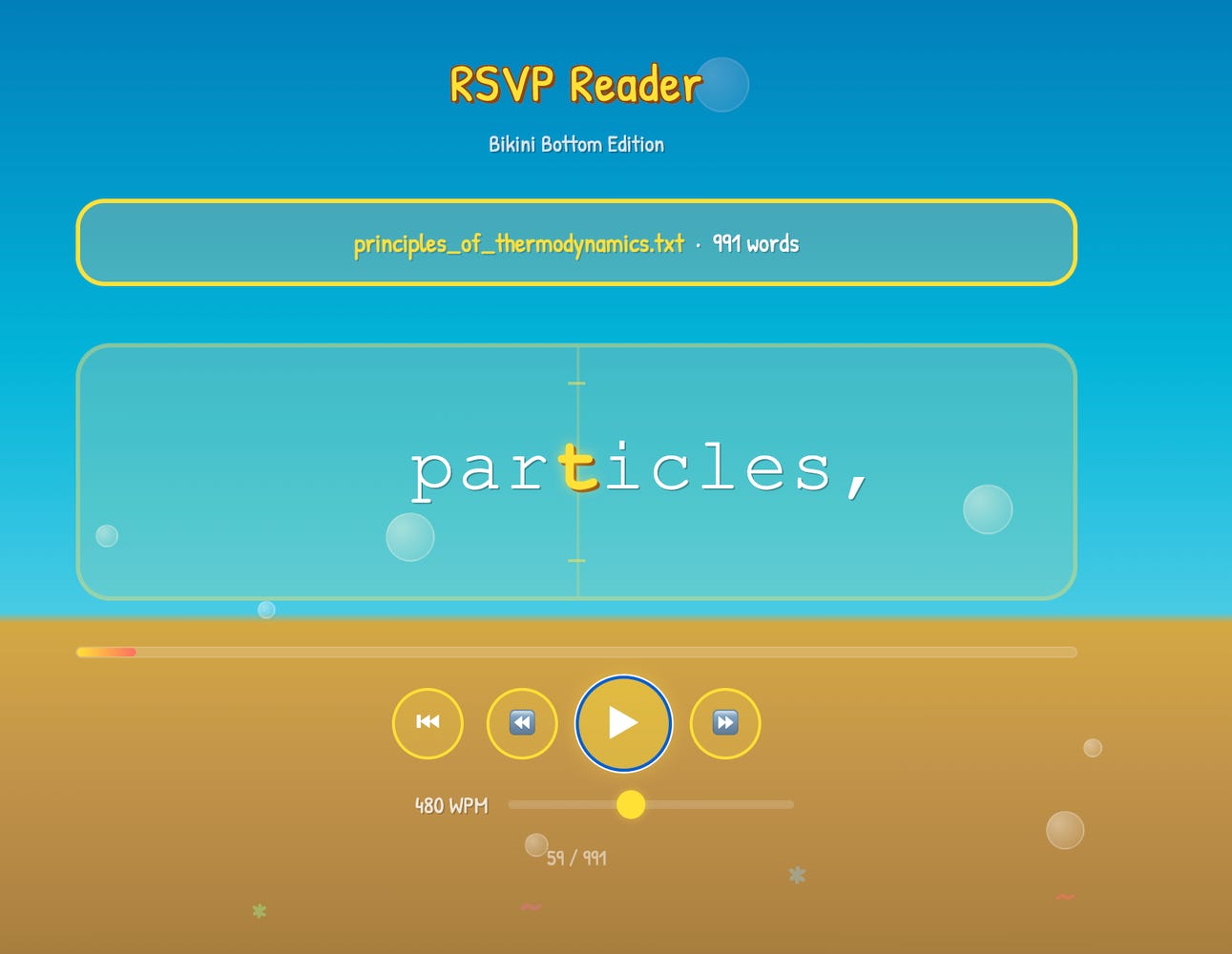
Last word
If you get confused at any point, ask your AI for help. Do this before Googling, calling a friend, reading documentation, or anything else. The point is to break out of old habits and build new, AI-native ones.